Stylo
What Sliders Can Teach You About CSS
Dual-mode CSS learning platform featuring visual sliders, a real-time code editor, and a Gemini-powered AI styling assistant.
 Ian Gabriel Agujitas

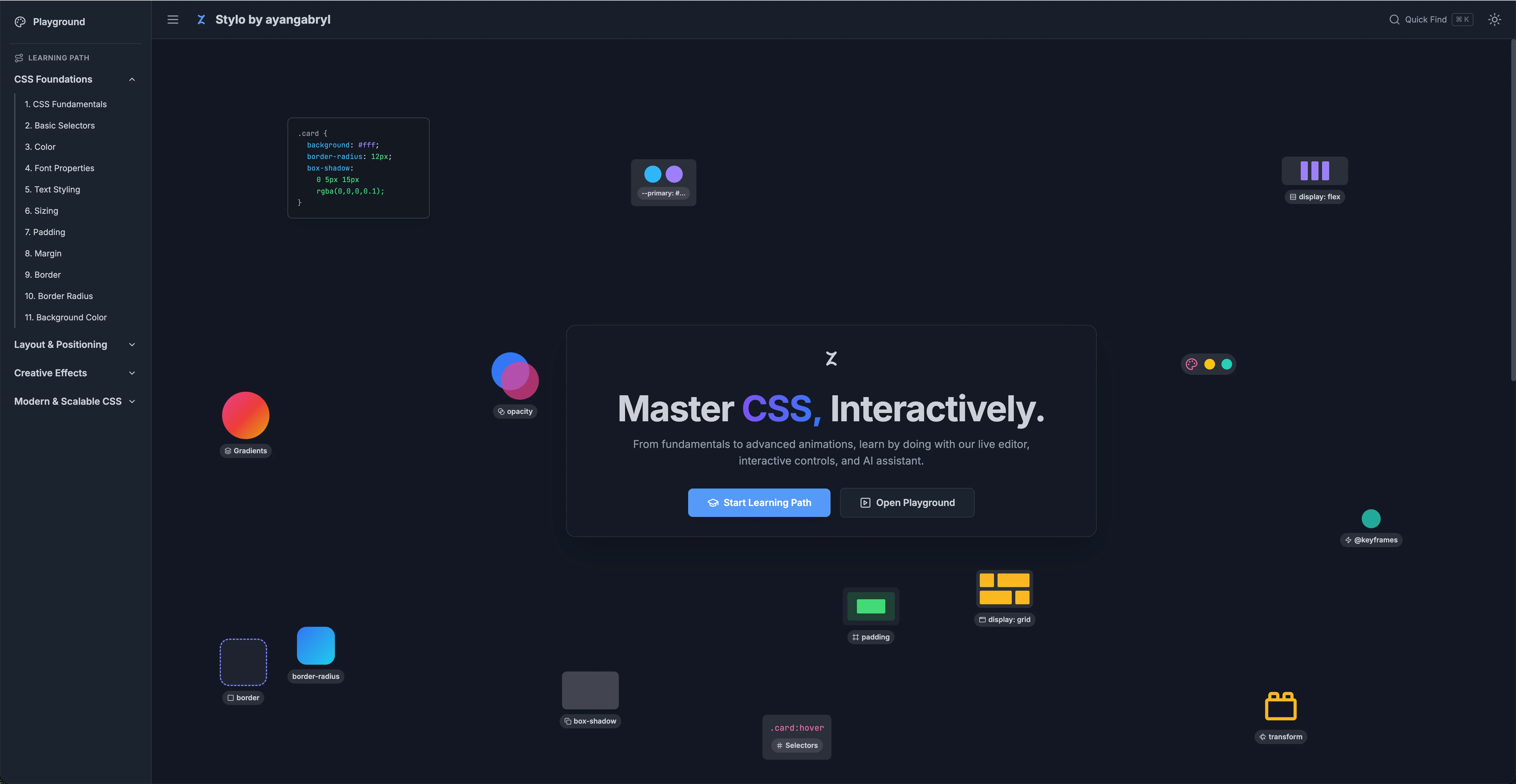
The slow part of learning CSS is the feedback loop. You read about flexbox gap, you type a value into a code editor, you reload the page, and you see what happened. If you guessed wrong you try again. The learning is real but the loop is long, and a long loop separates the cause from the effect until the relationship between them stops feeling intuitive. That bothered me, and Stylo is my attempt to fix it.
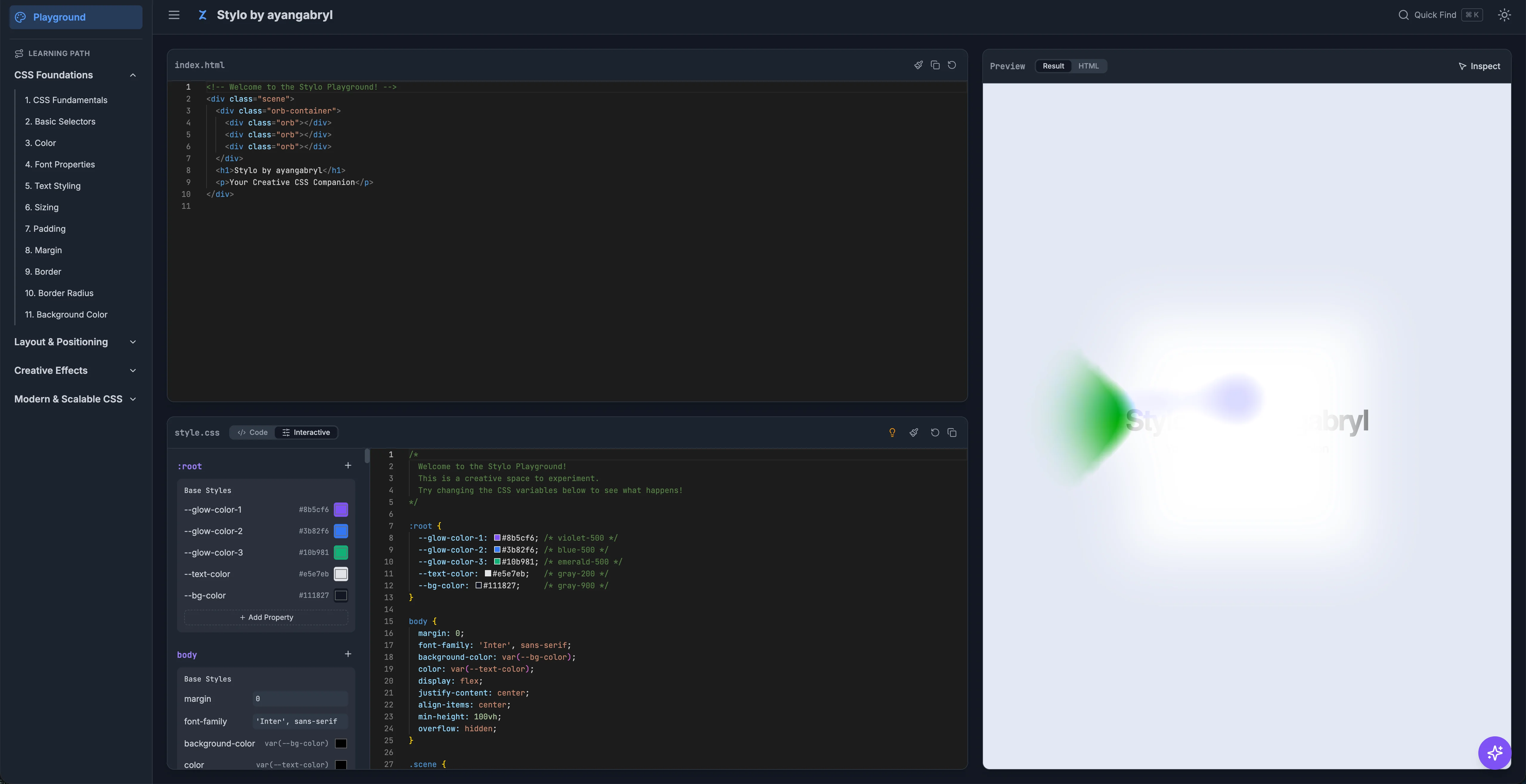
The platform runs two synchronized views: a visual controls panel with property sliders, and a code editor. Drag the flexbox gap slider and the code updates. Edit the stylesheet directly and the slider moves to match. The preview updates on every change from either side. Cause and effect share the same frame, which is how physical intuition about layout actually builds.
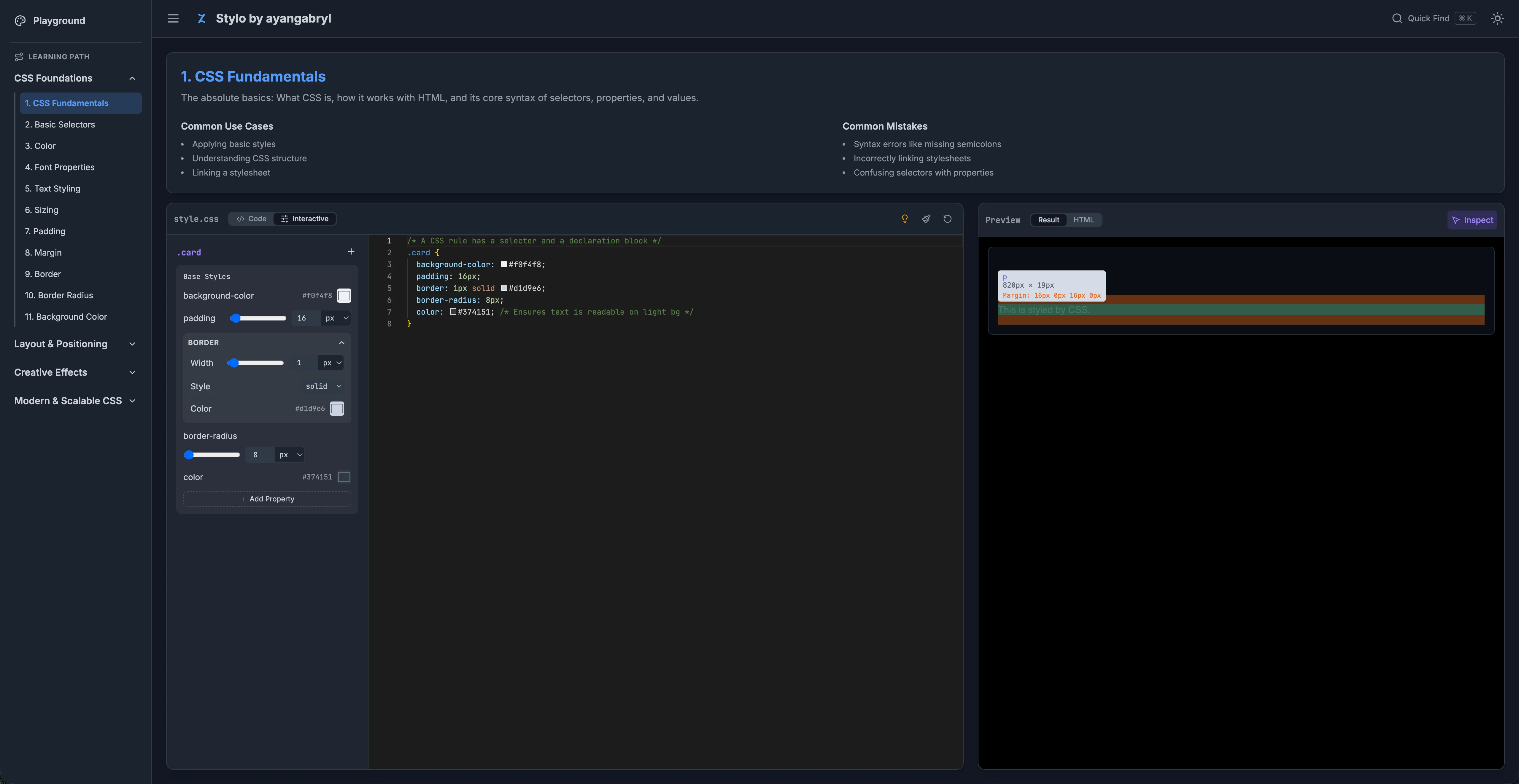
The dual-mode approach serves learners at different stages. Someone who does not yet know the syntax can drag sliders until the layout looks right, then read the code that produced it. Someone who knows the properties but wants to experiment quickly can type directly and watch the sliders respond. Neither mode is the "real" mode. They are genuinely equivalent paths through the same information.
The Gemini AI assistant integrates inline: it analyses selected layout elements and suggests code improvements in context, responding to what is currently on the canvas rather than giving generic advice. A command search palette, open with Cmd/Ctrl K, lets you jump to any concept in the curriculum without losing your place.
GSAP handles the transition choreography between curriculum sections. The goal was for the whole thing to feel like one continuous workspace rather than a series of separate pages.