Asciify Engine
Thirteen Ways to Read a GIF
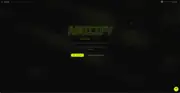
Framework-agnostic npm package and playground site for converting images, videos, and GIFs into custom ASCII canvas art.
 Ian Gabriel Agujitas

ASCII art makes you see images differently. When a photograph becomes a grid of characters, every cell is a translation decision: which glyph represents which brightness, which color mode preserves the most information, which character set pushes the output toward something that reads as art rather than noise. I got a bit obsessed with that translation problem, and asciify-engine came out of it.
The package is about 6 KB gzipped, published to npm in both ESM and CJS formats via tsup. I made the core frame generator completely decoupled from DOM APIs, which means it runs safely inside server-side environments and frame-based client apps without modification. That was a deliberate architectural call: the luminance mapping pipeline should not care whether it is rendering to a browser canvas or being consumed by a build tool.
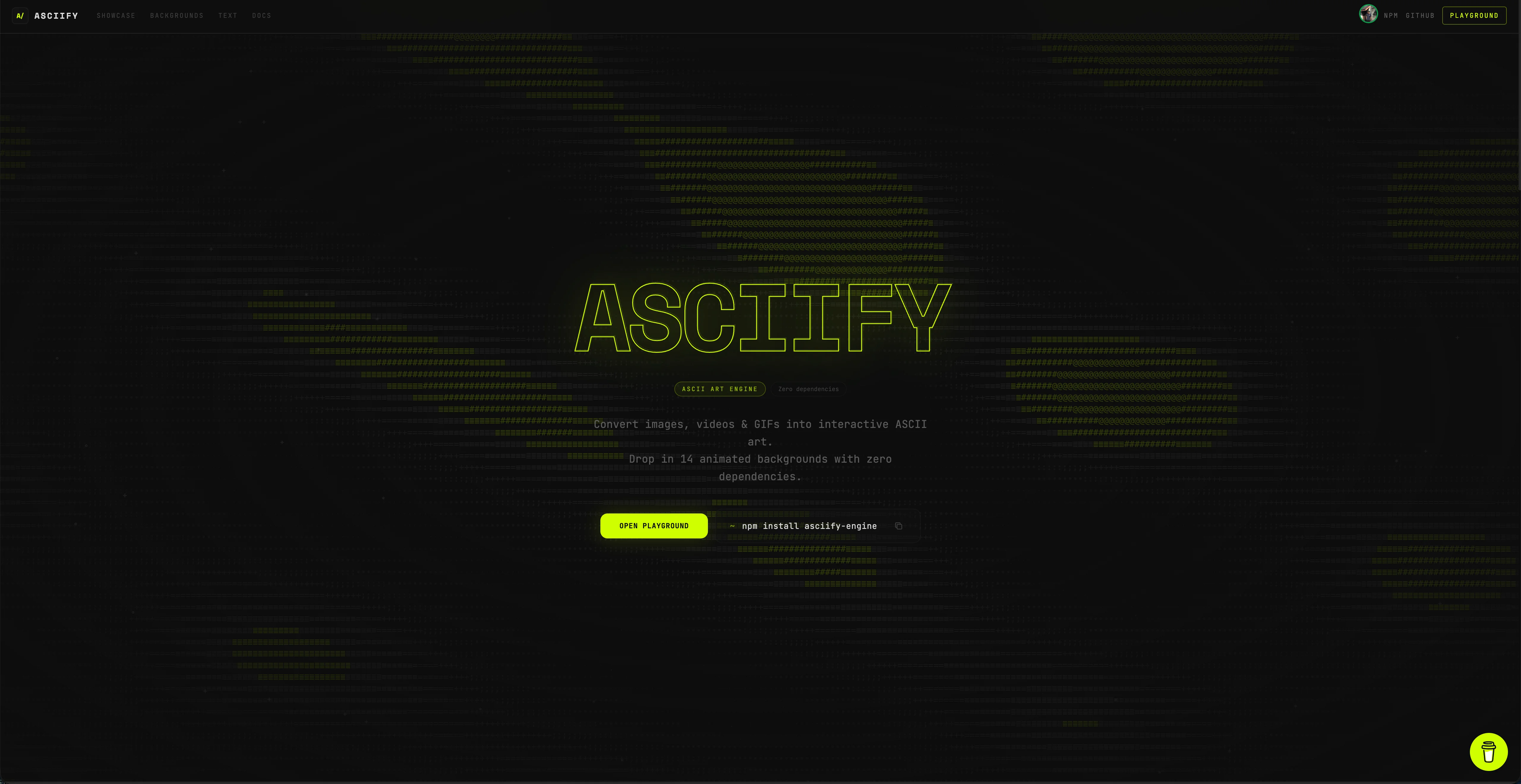
The playground at asciify.org exposes thirteen character styles alongside color mapping modes, PNG and GIF export, and chroma key removal using Euclidean RGB distance thresholds to pull solid green or blue backdrops from source media. Scroll-scrubbing lets you tie video playback time to native scroll position or a GSAP ScrollTrigger, so ASCII video becomes a storytelling medium rather than just a visual effect. Cursor hover effects apply localized treatments: spotlights, flashlights, text shattering, each one calculated against the active canvas coordinates in real time.
Getting to 60fps required keeping the pixel extraction and brightness mapping pipeline lean. The bottleneck in ASCII rendering is never the canvas draw call, it is the per-frame luminance calculation across potentially thousands of cells. I had to profile carefully and cut anything that was not doing essential work to get it running smoothly on a standard consumer laptop without dropping frames.
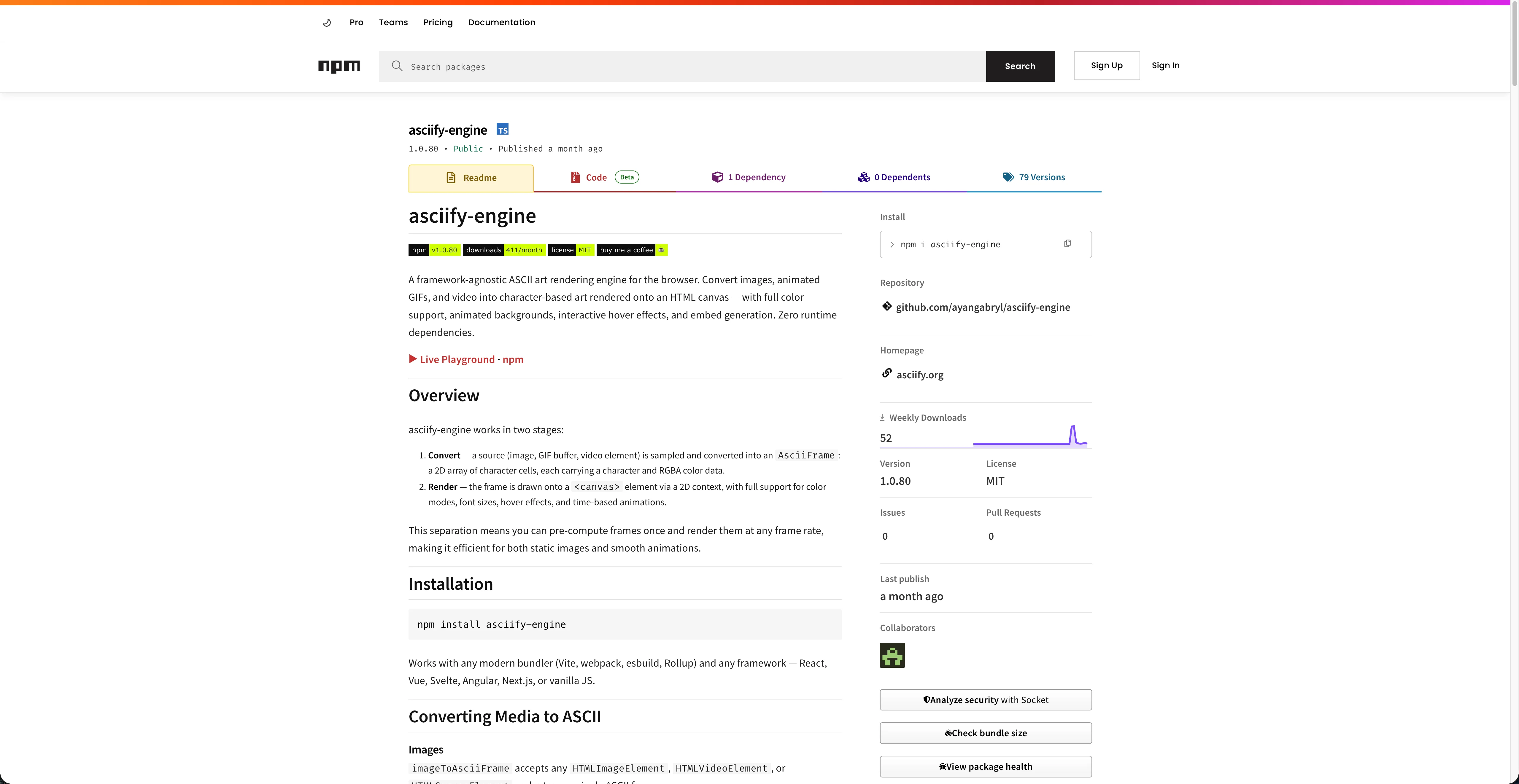
I also shipped a built-in agent skill with the package: a set of instructions packaged inside the library to help AI coding assistants understand how to render ASCII canvas animations. A small detail, but a useful one for the kind of developer who reaches for a tool like this.
Design decisions in the demos
The four modes below are each built around a different question about what ASCII rendering can actually do. All of them run against the same source GIF.
Detail
Loading GIF for ASCII preview…
The first question was density. How much information can a character grid hold before it collapses into noise? The detail slider answers that directly: drag it upward and the column count increases, the characters shrink, and the image sharpens, up to a point. Past a certain threshold the grid becomes illegible, not more detailed. I wanted the slider to make that threshold something you feel rather than read about.
Motion
Loading GIF for ASCII preview…
The second question was trust. A looping ASCII animation only works if the user believes the frames are sequential and the transition between characters is stable. This demo plays the GIF frame by frame so the structure of the animation is transparent. You can watch each frame hold its shape before advancing. Without that stability, motion ASCII looks like static.
Hover sharpen
Loading GIF for ASCII preview…
The third question was interaction. Fixed-density grids feel coarse when you focus on them. The hover effect doubles the column count on pointer-over and halves it on exit. The key decision I had to make was whether that transition should animate or snap. It snaps, because animating a full grid reflow produces visual chaos, and the sharpening effect is more satisfying when it lands instantly.
Color
Loading GIF for ASCII preview…
The fourth question was color. Each character in this mode carries a color value sampled from the source pixel, recalculated on every frame. The result reads as colorful rather than as monochrome grid art. Keeping the per-frame color calculation fast enough that it does not stall the loop was the real challenge. Color mapping is more expensive than brightness mapping, and the margin for dropped frames is slim at 60fps.
The four modes together cover most of what the package can do: density, motion, interaction, color. Each one a different lens on the same translation problem.